From Command Lines to Clickable Desktops
by Scott
There was a time when computers didn’t greet you with icons, windows, or a mouse pointer. They waited silently for instructions, blinking a cursor on a dark screen, expecting you to know exactly what to say. The command line was not intimidating back then because it was all there was. You didn’t “use” a computer so much as converse with it, one carefully typed command at a time.
Early home and workplace computers demanded patience and precision. A single typo could undo an entire task, and there was no visual hint to guide you. You memorised commands the way people once memorised phone numbers. DIR, CD, LS, COPY, RUN. These words became muscle memory, learned through repetition and trial and error. Using a computer felt closer to operating a machine than interacting with a tool.
For many, the command line created a sense of closeness with the system. You felt aware of what the computer was doing because you told it explicitly. There was no abstraction, no friendly layer smoothing over the details. Files were not pictures of folders, they were paths. Programs did not “open,” they executed. This rawness gave computers a seriousness that demanded respect.
As computing spread beyond engineers and hobbyists, something became clear. If computers were ever going to reach ordinary homes, they needed to become more approachable. Not everyone wanted to learn a small language just to write a letter or organise files. The command line was powerful, but it was not welcoming.
The idea of a graphical interface changed everything. Instead of remembering commands, you could point. Instead of typing file paths, you could see them. The desktop metaphor was simple and brilliant. Files became documents, directories became folders, and actions became visible movements. Dragging, dropping, clicking. These ideas lowered the barrier instantly.
Early graphical desktops felt magical. Windows overlapped like sheets of paper on a real desk. Menus revealed available actions instead of forcing you to recall them from memory. Icons gave personality to otherwise invisible files. For the first time, you could explore a computer by curiosity alone, clicking around without fear of breaking something permanently.
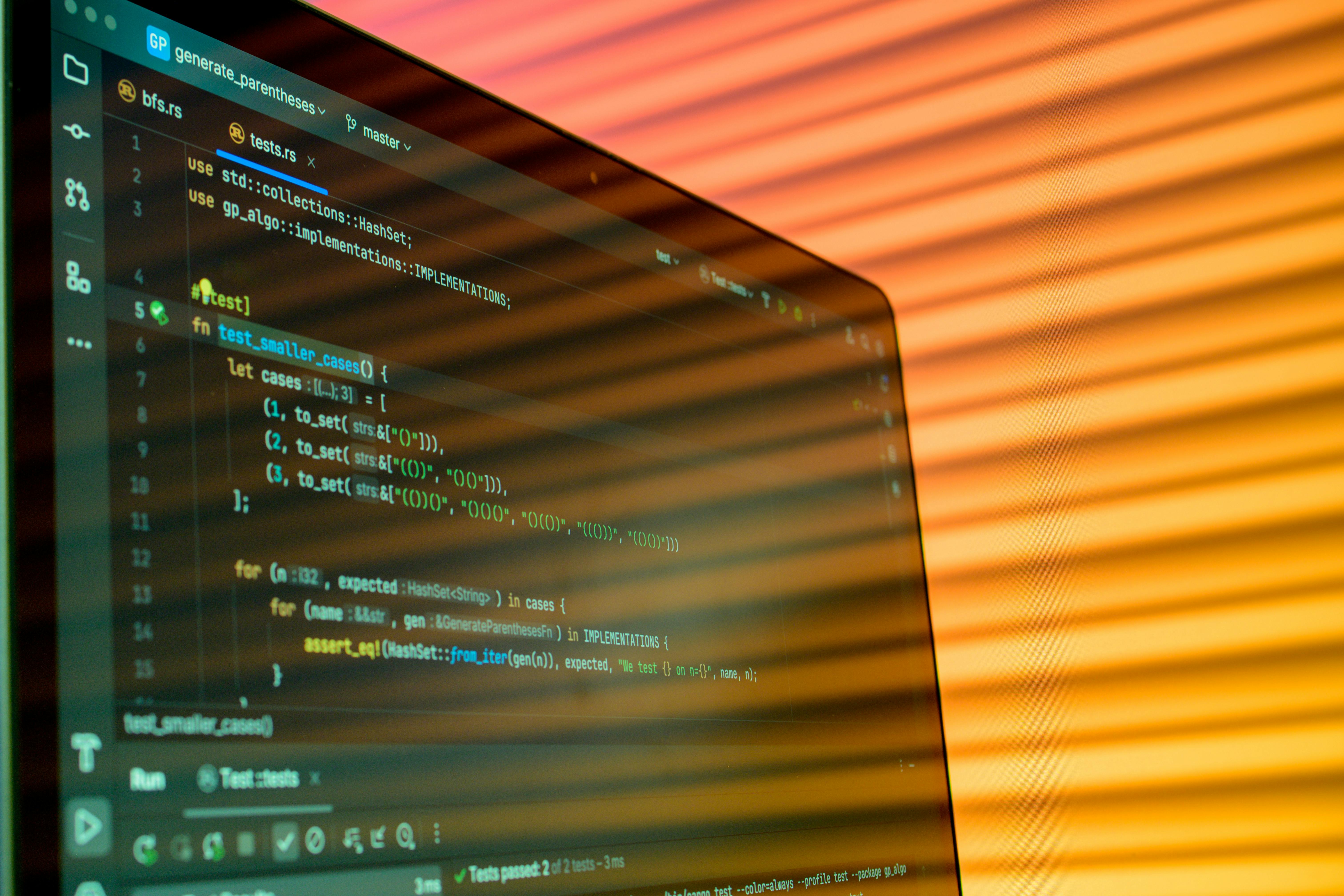
The mouse played a crucial role in this shift. It turned computing into a physical experience. Your hand moved, the pointer followed, and intention became motion. This connection between thought and action made computers feel alive in a way the blinking cursor never quite did.
There was resistance, of course. Some early users saw graphical interfaces as slow or inefficient. Why click through menus when you could type a command in seconds? Why waste screen space on decoration? These criticisms weren’t wrong, but they missed the larger picture. Graphical interfaces weren’t about speed for experts, they were about accessibility for everyone else.
Over time, graphical desktops matured. They became faster, more stable, and more flexible. Visual consistency improved. Keyboard shortcuts returned some of the efficiency command line users missed. Underneath the friendly surface, the old systems still existed, quietly doing the work they always had.
For many people, the transition from command line to desktop marked the moment computers became personal. They were no longer just tools for work or study. They became places where photos lived, letters were written, and games were played. The computer screen turned into a window rather than a terminal.
Even today, the legacy of the command line remains. It lives on beneath modern interfaces, powering them silently. Developers still return to it for control and automation. Power users still appreciate its precision. The difference is that now it’s a choice, not a requirement.
Looking back, there’s a certain nostalgia attached to that blinking cursor. It represented a time when using a computer felt like learning a craft. But the rise of graphical desktops made something far more important possible. It allowed computers to fade into the background of everyday life, becoming tools anyone could use without needing to understand how they worked.
The journey from command line to graphical desktop wasn’t just a technical evolution. It was a shift in philosophy. Computers stopped asking users to adapt to them, and instead began adapting to the way humans naturally think and interact. That change reshaped not just computing, but the world that grew around it.